Banking App Login / Register
Description:
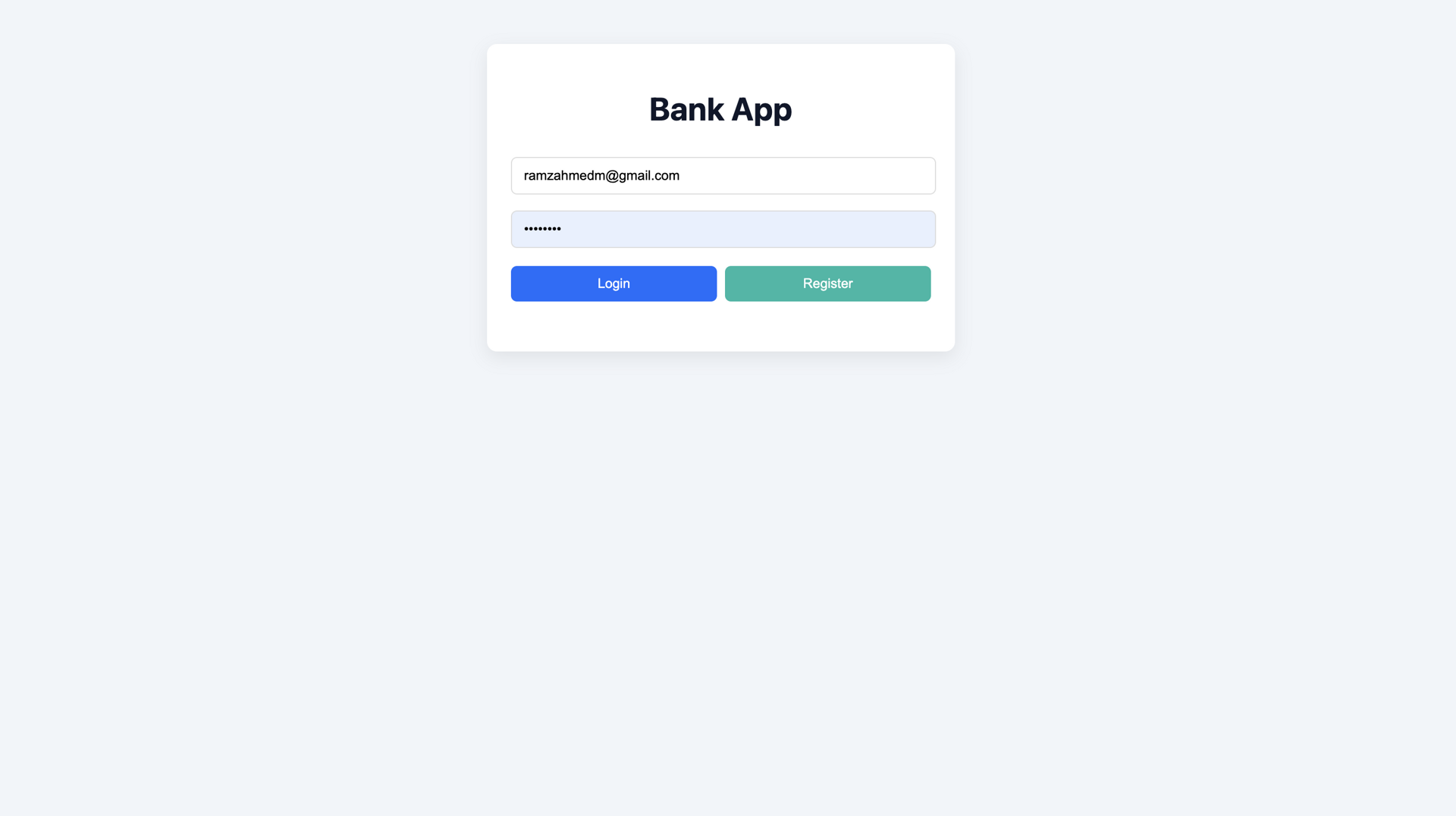
The Banking App login screen allows users to securely access their accounts using Firebase Authentication. The interface is clean and intuitive, featuring email and password validation, clear error handling, and secure session management.
Why:
A secure and intuitive authentication flow is critical for any financial application. This section demonstrates a focus on user experience, security best practices, and authentication integration.
Database / Auth:
Firebase Authentication
Transfers Dashboard
Description:
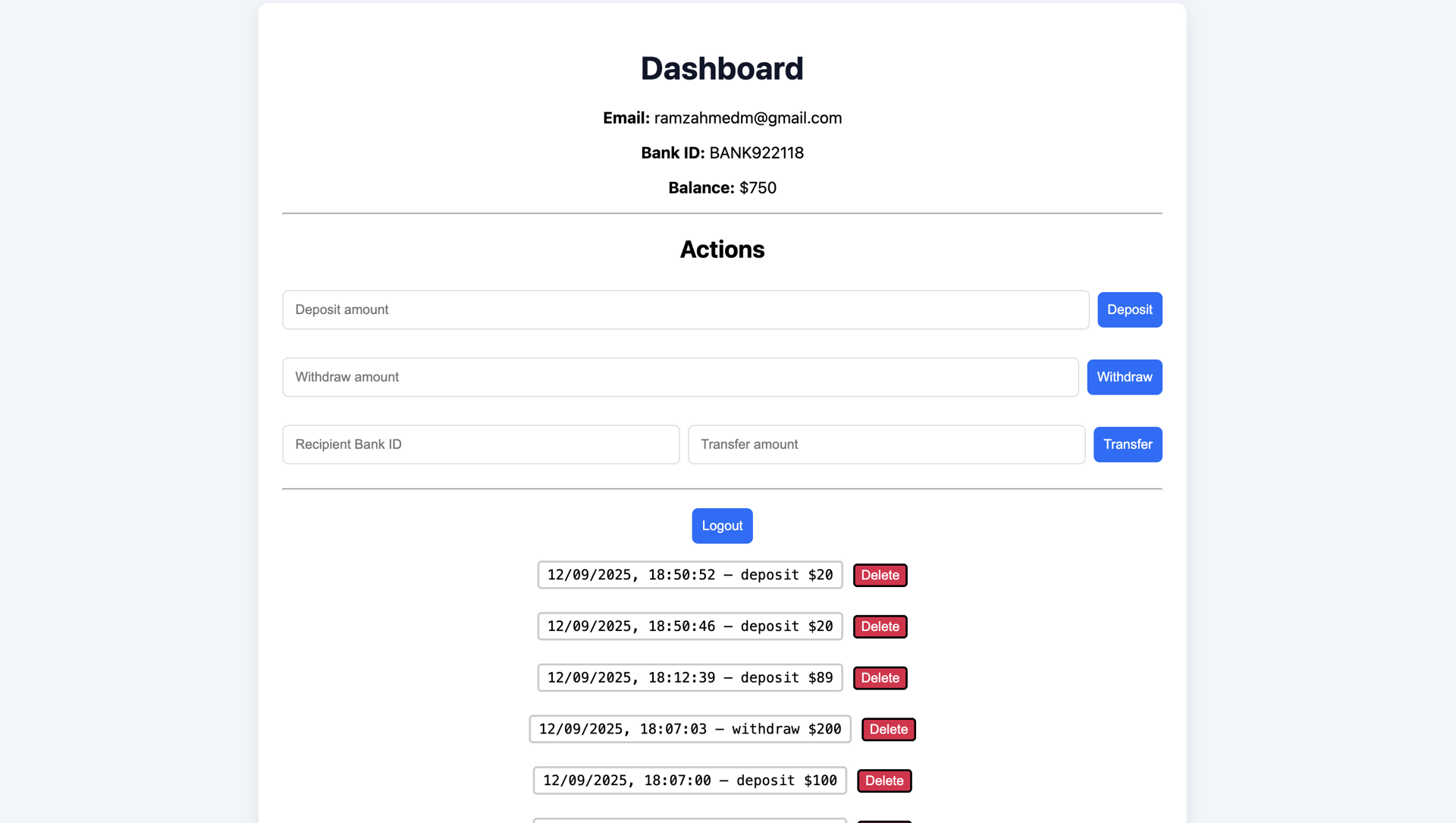
Users can transfer funds between accounts using a unique bank ID, as well as deposit and withdraw funds. The application verifies recipient existence and updates account balances in real time using Firestore.
Why:
This dashboard highlights real-time data synchronization, validation logic, and secure user-to-user interactions—core requirements for modern financial applications.
Database:
Firebase Firestore
Transactions & History
Description:
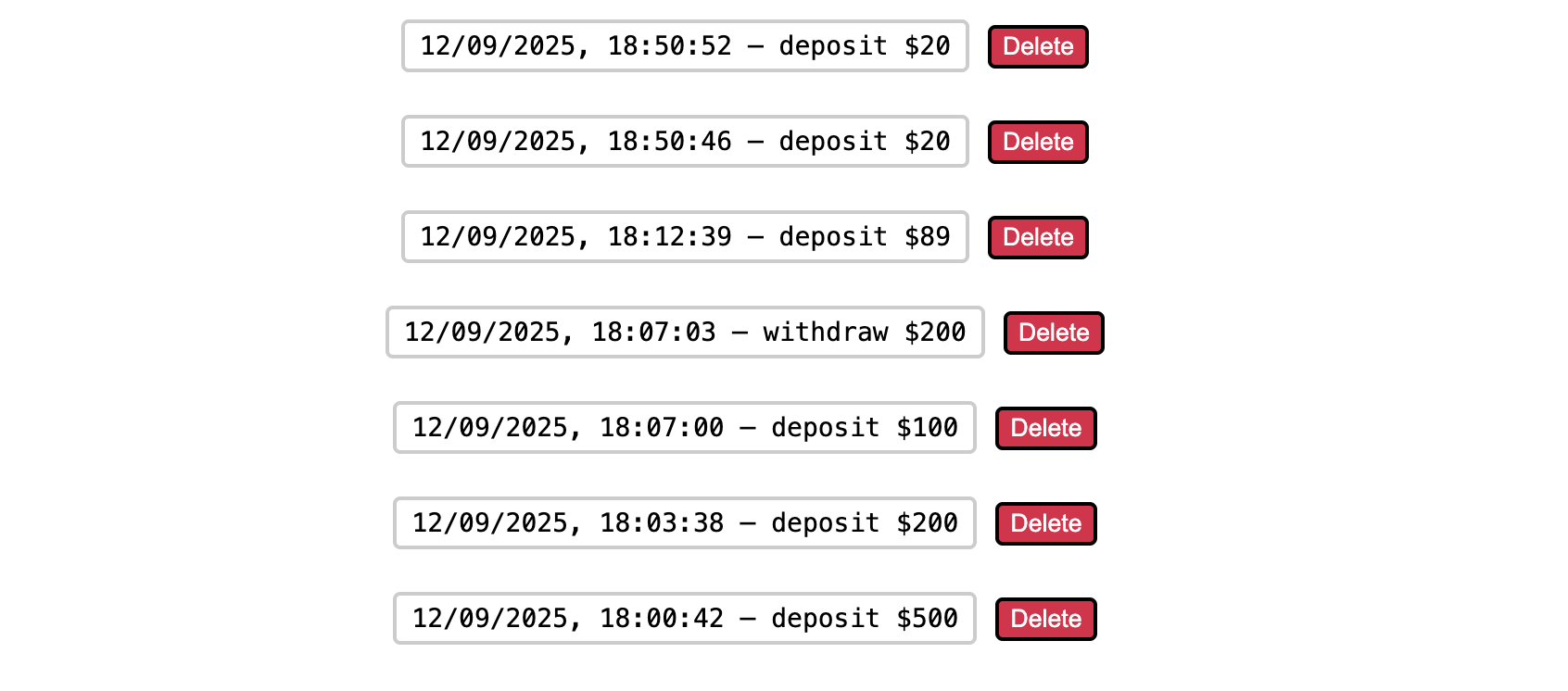
The Transactions page allows users to view a detailed history of deposits, withdrawals, and transfers. Each transaction can be deleted, with balances automatically recalculated and updated in real time.
Why:
This section demonstrates CRUD operations, real-time updates, and data consistency handling using Firestore. It reinforces reliability and transparency—essential traits for banking applications.
Coding Languages & Technologies
- Javascript
- Next.js (React)
- CSS
- Firebase Authentication
- Firebase Firestore
- HTML5